
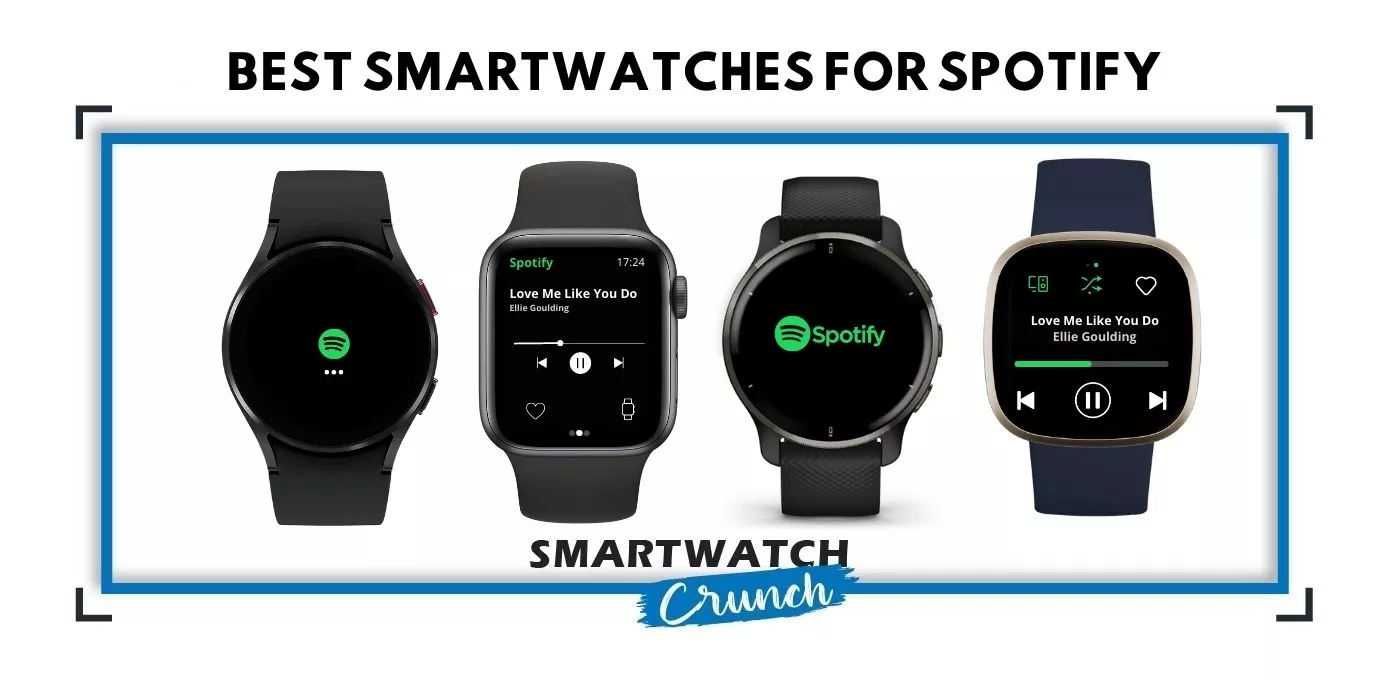
I switched from a Fitbit to an Apple Watch the year Apple got proper Spotify support with offline downloads.
My reason was the gym. I was there as much for the listening as the workout, and carrying a phone for it had got old.
Now it is just the watch and my AirPods. I sync playlists over Wi-Fi before I leave and everything plays offline. I have cellular on the watch too but I rarely need it.
That switch is the whole point of this guide. A lot of watches advertise Spotify support when all they offer is a remote control for the music on your phone. Walk away from the phone and the music stops. My old Fitbit was one of them, and Fitbit still works that way today.
Every watch in my top 5 stores the playlists itself. You will need Spotify Premium.
Spotify Free vs. Premium—What to Expect
You will find key differences in the table below.
| Feature | Spotify Free | Spotify Premium |
| Monthly Price | Free | $12.99 (Student $6.99, Duo $18.99, Family $21.99 for up to 6 accounts) |
| Library | Over 100 million songs, plus 6 million podcasts | Over 100 million songs, plus 6 million podcasts. |
| Offline Listening | Not available | Download songs for offline listening (you need Wi-Fi or Cellular support on your watch) |
| Ads | Visual and audio ads between songs | No ads |
| Playback Controls | Limited to shuffle play for whole albums on mobile; limited skips (6 tracks per hour) | Full playback control; unlimited skips |
| Sound Quality | Streams at 160kbps | Streams at 320kbps, with lossless now included on every Premium tier |
Note: Offline playback on a smartwatch is Premium-only. There is no workaround, no free tier trick. If you are not paying for Premium, every watch in this guide is just a remote control for your phone.
Now that you have the key differences in mind, let’s discuss the top picks from different brands.
Spotify on Apple Watch: Apple Watch Series 11
Apple Watch is the best platform to experience Spotify music mainly because it offers top-notch hardware support. A fast processor, huge memory, and responsive touchscreen set the right stage; a clean, no-frills Spotify app does the rest.
Here are my key takeaways:
- Installing and setting up the Spotify app is a no-brainer.
- A Spotify Premium subscription is a must if you’re looking for offline playback, unlimited skips, and an ad-free listening experience.
- I found the interface pretty straightforward. A couple of swipes to the left, a couple of taps and I sorted it all out.
- Siri integration with Spotify allows a true hands-free experience. I can control nearly everything on the app using voice commands.
- Only the cellular Apple Watch model can stream and download music directly through the watch; Wi-Fi models need to be in the range of an iPhone or WiFi network.
To play Spotify on Apple Watch without a connected smartphone you need:
- Apple Watch Series 3 or later running watchOS 7.0 or above
- Paired Bluetooth headphones (you cannot play Spotify on Watch’s speaker)
- A cellular or WiFi connection
Here is a list of all the watches that fit in this category
- 16 GB Storage: Apple Watch Series 3 Cellular, Series 4
- 32 GB Storage: Apple Watch 5, 6, 7, 8, SE, SE 2, SE 3, Ultra
- 64 GB Storage: Apple Watch 9, 10, 11, Ultra 2, Ultra 3
The Series 11 is the one I would buy today. You get 64GB, which is more music than you will ever load onto a watch, and this year Apple finally fixed the battery (24 hours instead of 18).
The cellular Series 11 also moved from LTE to 5G, so if you want to stream rather than download, it holds a signal better than any Apple Watch before it.
Note: Only the cellular model can download over its own connection. A GPS-only Series 11 needs Wi-Fi or your iPhone nearby to sync playlists. Once they are downloaded, both models play them the same way.
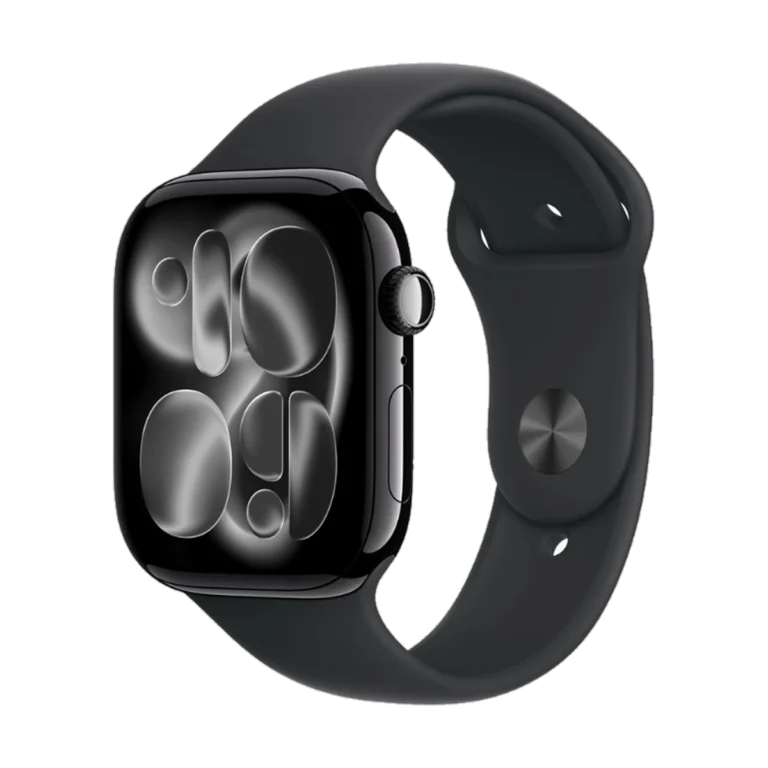
The best smartwatch for offline Spotify
Apple Watch Series 11 (GPS + Cellular)64 GB of storage means you can download more Spotify playlists than you will ever get through, and this year's 24-hour battery finally covers a long run plus the rest of the day. Add Airpods and you can leave the iPhone at home entirely.
Check price on AmazonSpotify on Samsung Galaxy Watch: Galaxy Watch 9
Samsung runs the full Spotify app, not a cut down version. Downloading playlists works exactly the way it does on your phone.
Here are my key takeaways:
- Setup takes two minutes. You install Spotify from the Play Store on the watch itself.
- A Spotify Premium subscription is required for offline playback. Same as every other watch here.
- Downloads happen over Wi-Fi. On the LTE model they happen anywhere.
- Google Gemini is built in, so you can start a playlist by raising your wrist and asking.
- The Galaxy Watch 9 runs Snapdragon Wear Elite this year. Expect a bump in overall UI speed.
To play Spotify on a Galaxy Watch without a connected smartphone you need:
- Galaxy Watch 4 or later running Wear OS
- Paired Bluetooth headphones (you cannot play Spotify on the watch’s speaker)
- A Wi-Fi or LTE connection to download
Here is a list of all the watches that fit in this category
- 16 GB Storage: Galaxy Watch 4, 4 Classic, 5, 5 Pro, 6, 6 Classic
- 32 GB Storage: Galaxy Watch 7, Galaxy Watch Ultra, Watch 8, 8 Classic, Watch 9
- 64 GB Storage: Galaxy Watch Ultra 2
The Galaxy Watch 9 is the one I would buy today. You get 32 GB, a 3000 nit screen you can read in direct sun, and the new chip makes everything faster. Spotify works identically on both the Bluetooth and LTE models. There is no reason to pay for Galaxy Watch 9 LTE just for Spotify.
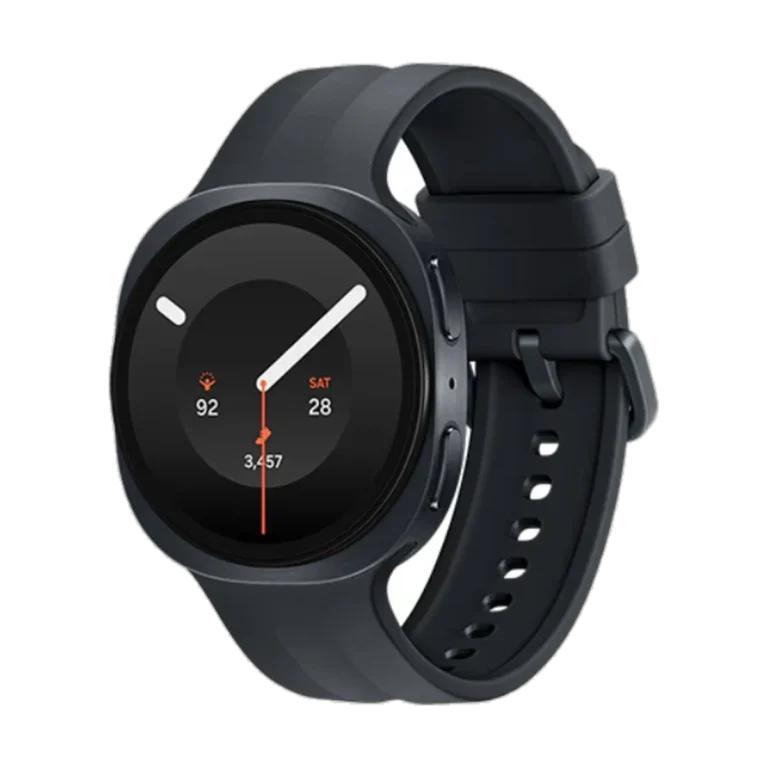
The best smartwatch for Spotify on Android
Samsung Galaxy Watch 9 (44mm)The full Spotify app, not a cut-down version. Download playlists over Wi-Fi and leave the phone behind. 32 GB of storage and a 445 mAh battery that will get you through the day.
Check price on AmazonSpotify on Google Pixel Watch: Pixel Watch 5
The Galaxy Watch works best with a Samsung phone. The Pixel Watch works with any Android phone, and for music it has the most storage of any watch here.
Here are my key takeaways:
- Google doubled the storage this year. You get 64 GB, the same as an Apple Watch Series 11.
- A Spotify Premium subscription is required for offline playback.
- The full Spotify app runs on Wear OS 7, so downloading playlists works the same as it does on your phone.
- YouTube Music is built in. If you are paying for that already, you may not need Spotify Premium at all.
- The domed edge to edge display makes the app easier to use than any other round watch on this list.
To play Spotify on a Pixel Watch without a connected smartphone you need:
- Any Pixel Watch running Wear OS
- Paired Bluetooth headphones
- A Wi-Fi or LTE connection to download
Here is a list of all the watches that fit in this category
- 32 GB Storage: Pixel Watch, Pixel Watch 2, Pixel Watch 3, Pixel Watch 4
- 64 GB Storage: Pixel Watch 5
The Pixel Watch 5 is the one I would buy today, but keep in mind that its just the Pixel Watch 4 with a faster chip and double the storage. Same case, same display, same battery.
If you find a Pixel Watch 4 LTE discounted, buy that instead. You are giving up storage you will probably never fill.
Note: The Pixel Watch does not work with an iPhone at all. If you are on iOS, your only options are Apple and Garmin.
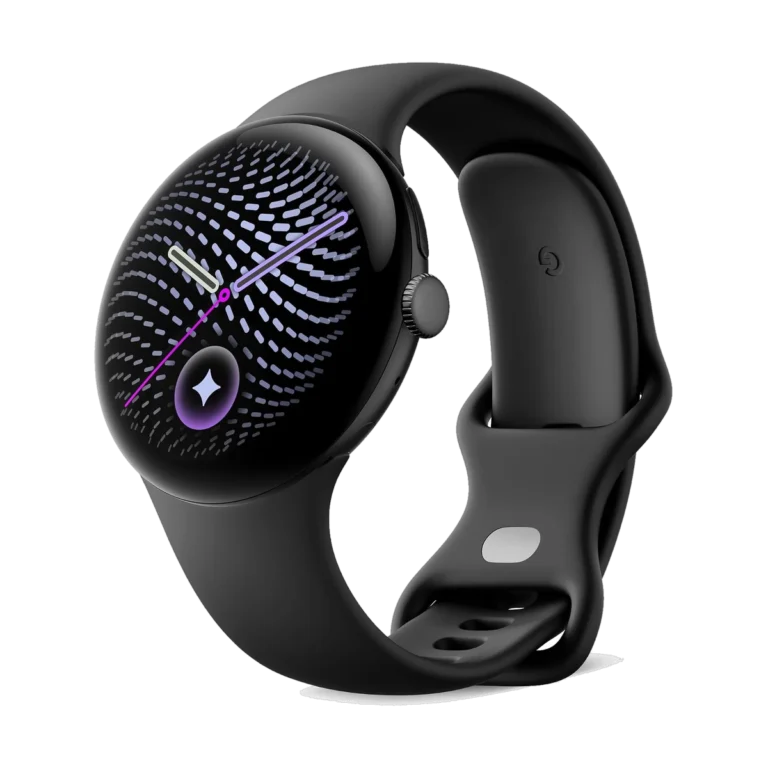
The best smartwatch for Spotify on any Android
Google Pixel Watch 5 (45mm)64 GB of storage, the most of any watch here. The full Spotify app runs on Wear OS, so downloading playlists works the same as it does on your phone. Works with any Android phone, not just a Pixel.
Check price on AmazonSpotify on Garmin:
Garmin got here first. The Vivoactive 3 Music landed in 2018, years before Apple, Samsung or Google worked out offline playback.
However, the overall experience failed to catch up with other platforms.
It still does one thing better than every watch above. Battery.
A Garmin will track a marathon and play music the whole way, and still have days left afterwards.
Here are my key takeaways:
- You install Spotify from the Connect IQ store.
- A Spotify Premium subscription is required for offline playback.
- Downloads happen over Wi-Fi only. There is no LTE Garmin that syncs music.
- Your watch needs at least 50% charge before it will sync. Garmin recommends doing it on the charger.
- Podcasts download too, not just music.
To play Spotify on a Garmin without a connected smartphone you need:
- A Garmin with music storage (look for “Music” in the model name, or any Venu, Fenix, Epix or Forerunner from the 245 up)
- Paired Bluetooth headphones
- A Wi-Fi connection to download
Here is a list of all the watches that fit in this category
- Forerunner: 165 Music, 245 Music, 255 Music, 255S Music, 265, 265S, 570, 645 Music, 745, 945, 955, 965, 970
- Fenix and Epix: Fenix 6 Pro, Fenix 7, Fenix 7 Pro, Fenix 8, Fenix E, Epix Gen 2, Epix Pro
- Venu: Venu, Venu 2, Venu 2S, Venu 2 Plus, Venu 3, Venu 3S, Venu 4, Venu X1, Venu Sq Music, Venu Sq 2 Music
- Vivoactive: Vivoactive 3 Music, Vivoactive 4, Vivoactive 4S, Vivoactive 5, Vivoactive 6
- Others: Enduro 2, Enduro 3, Instinct 3, MARQ, Quatix, Tactix
However, I have picked 2 Garmins for my readers: One for runners, and one for everyday wear.
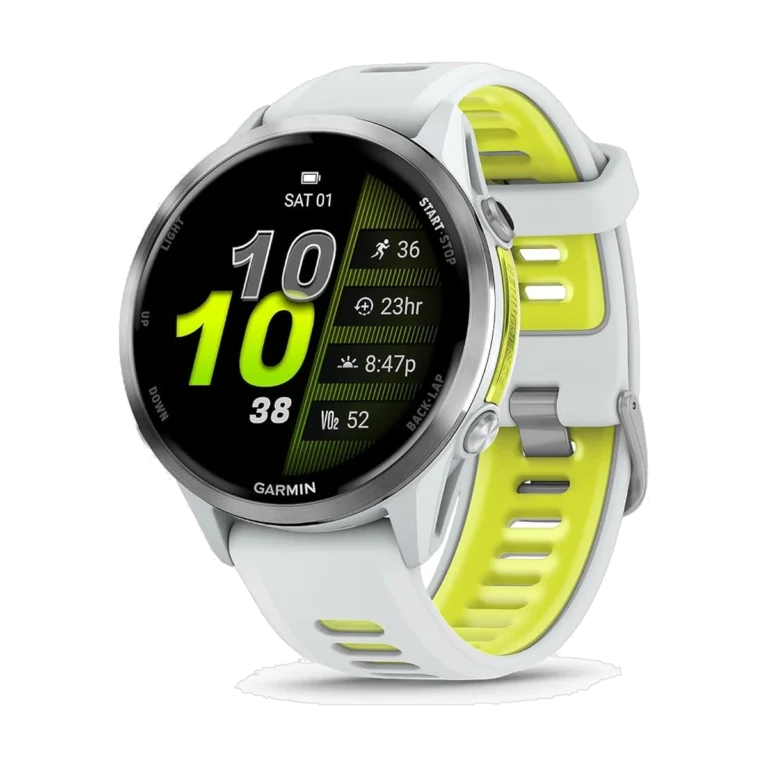
The best watch for Spotify on a long run
Garmin Forerunner 970The watch you buy when running stops being a hobby. Full training metrics, multi-band GPS and your Spotify library, in something built to survive a training block.
Check price on Amazon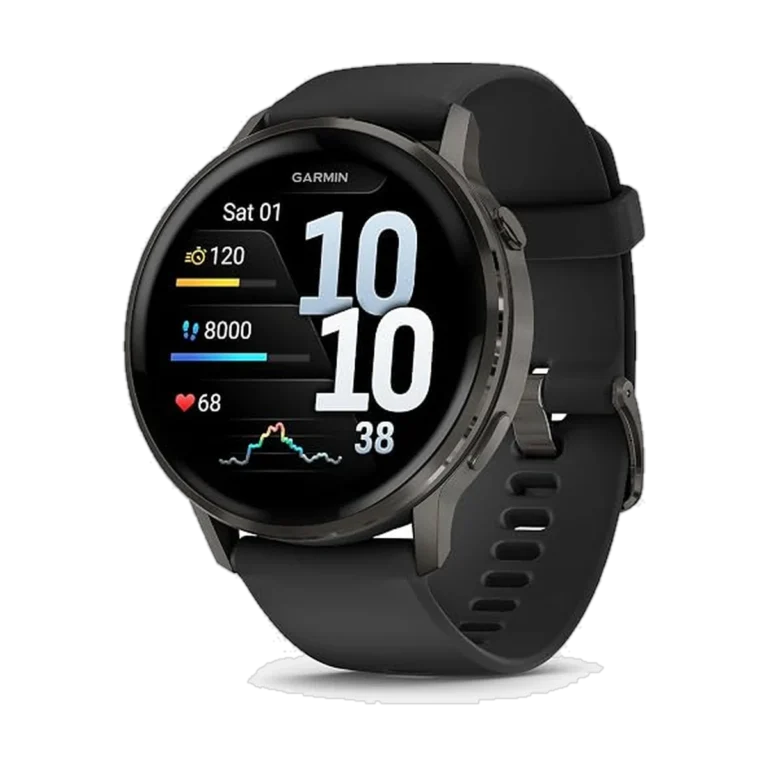
The best everyday Garmin for Spotify
Garmin Venu 4Up to 12 days of battery on a 1.4 inch AMOLED screen. Same Spotify setup as the Forerunner, in a watch you would wear to work. For the gym and the commute rather than marathon training.
Check price on AmazonHonorable Mentions:
These come up in every conversation about Spotify on a watch. Here is why they did not make the cut.
1. Fitbit — read this one before you buy.
Fitbit has a Spotify app. It cannot download a single song.
Google’s own support page says it plainly: the Spotify app on Fitbit does not support offline playback, and your phone has to stay nearby with the app running. It is a remote control. Nothing more.
It gets worse. The Versa 4 and Sense 2 dropped third-party app support, and Fitbit removed the ability to transfer your own music files back in 2022.
If phone-free music is why you are buying a watch, do not buy a Fitbit.
2. OnePlus Watch 3
It runs Wear OS 5 with the Play Store, so you get the same full Spotify app and the same 32 GB of storage as the Samsung. There is no LTE version, which does not matter here. You do not need cellular for offline playback.
The only reason it is not in the top five is that I have not tested Spotify on it myself.
3. Apple Watch SE 3
Everything the Series 11 does for Spotify, for a lot less money.
You get 32 GB instead of 64 GB, which is still hundreds of songs. You get 18 hours of battery instead of 24. Offline playback works identically.

I created this blog to help people find the right smartwatch for their taste, to keep tabs on the latest news and leaks, and to share my experience with different smartwatches.